

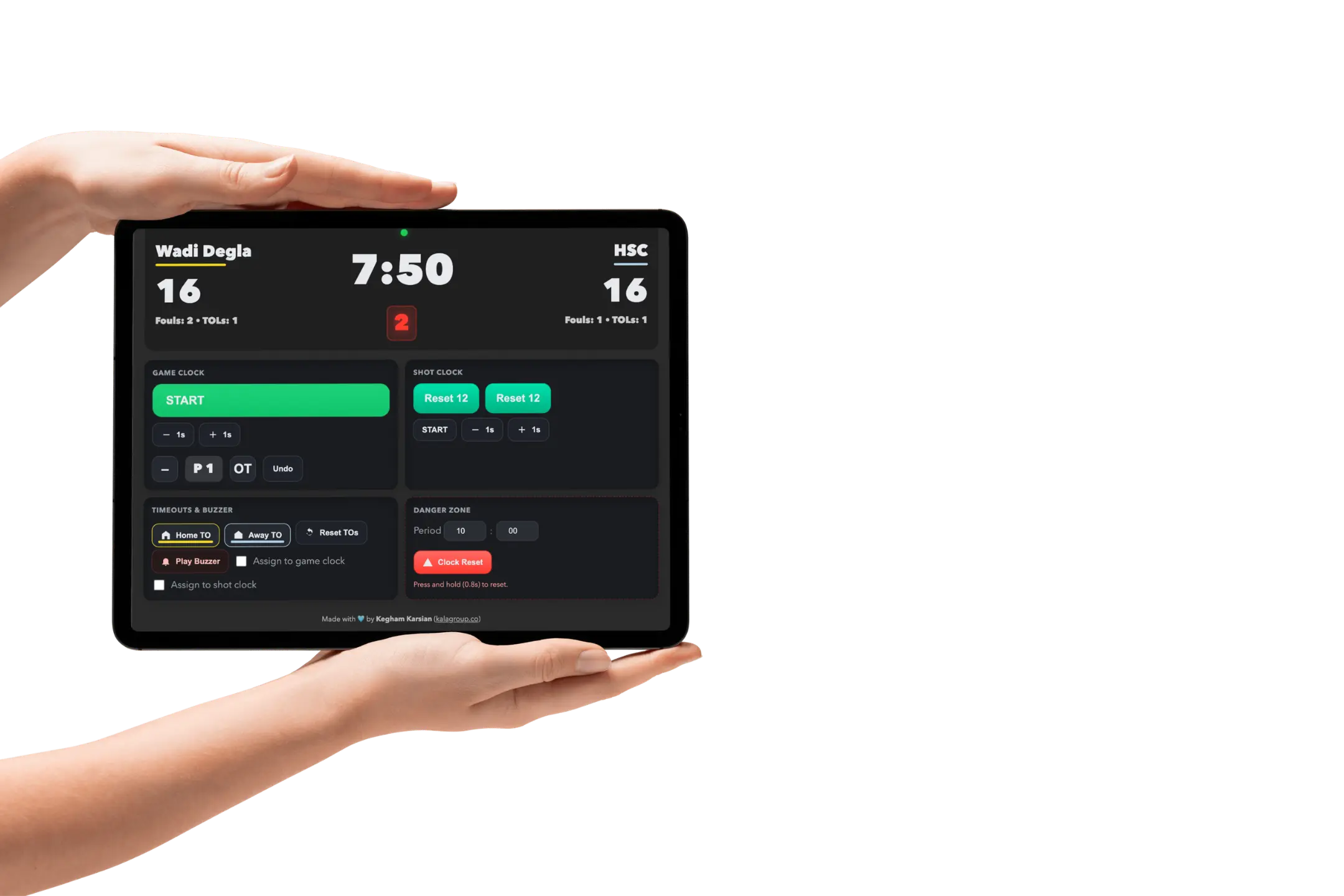
Basketball scoreboard built to stand out
A smarter, sharper basketball scoreboard for clubs, academies, and events.
A smarter, sharper basketball scoreboard for clubs, academies, and events.
Clear controls. Strong presentation. One polished scoreboard workflow.
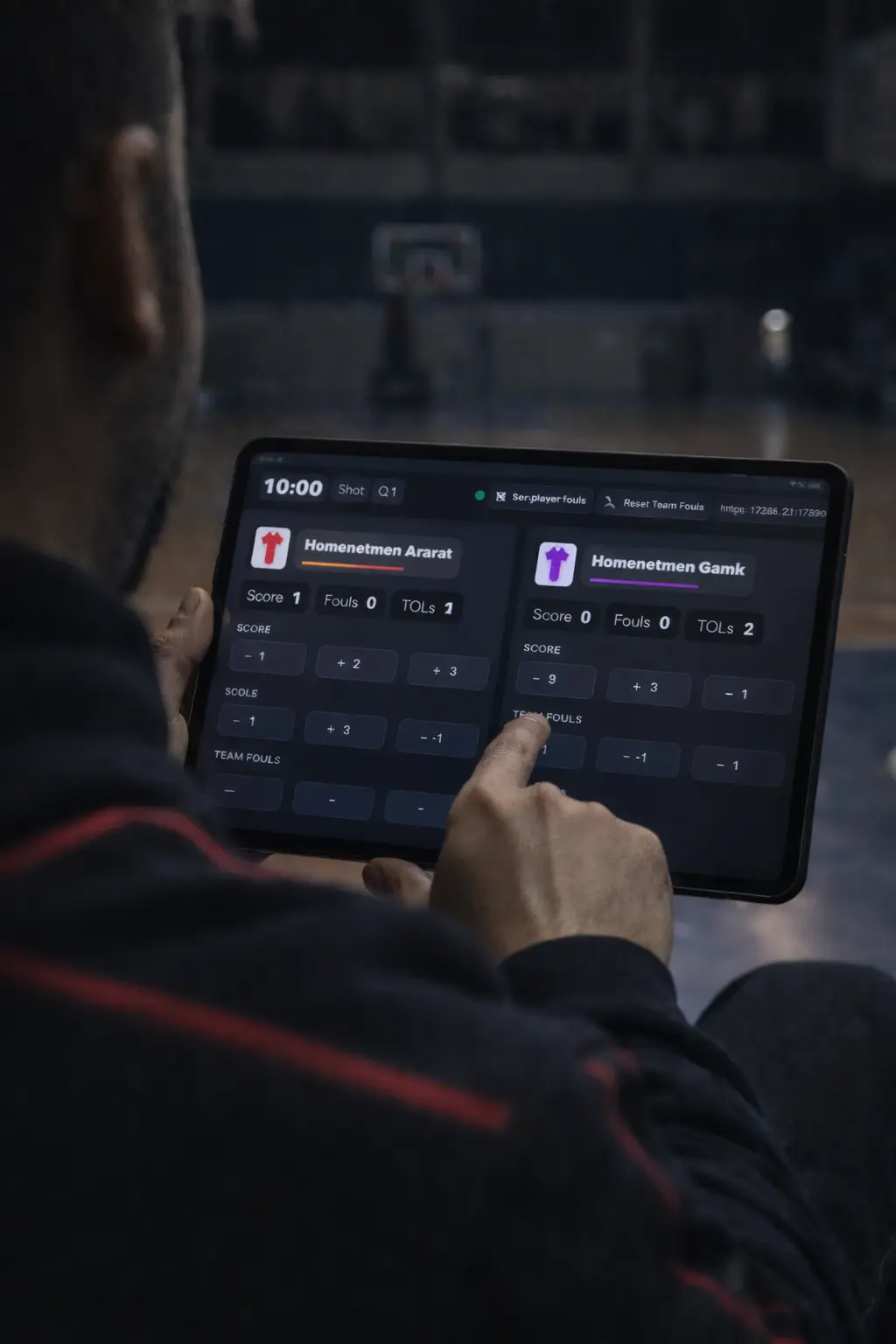
Built to feel modern, readable, and confident on game day.
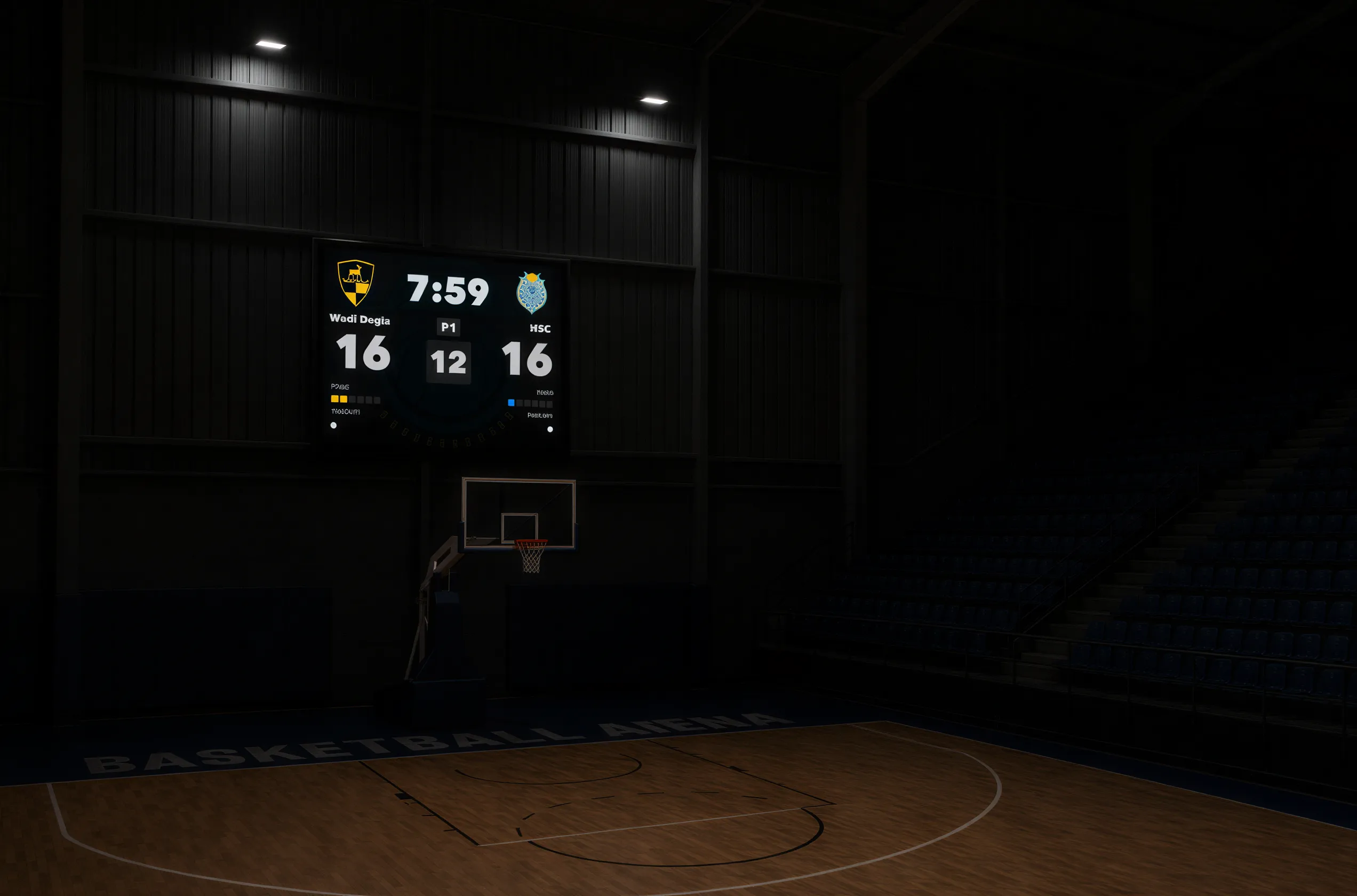
Built for basketball scoreboard operation.
Operate the main game clock and shot clock from a focused controller built for live possession-by-possession work.
Keep foul state, possession, and timeout tracking aligned with the score so table staff and outputs stay consistent during play.
Choose the right rules, format, teams, courts, and workflow before tip-off so the live workspace opens ready to run.
Track active games, move between live sessions, and keep multi-court event operation organized from one queue.
Open generated local links for controller devices and scoped display access on the same network.
Send the current game state to venue scoreboards, courtboard layouts, or live scoreboard outputs built for visibility.

Add sponsor artwork, team branding, and supported overlay styling without breaking the live control workflow.
Publish games, competitions, and tournaments to the website when you need a public live page for the event.
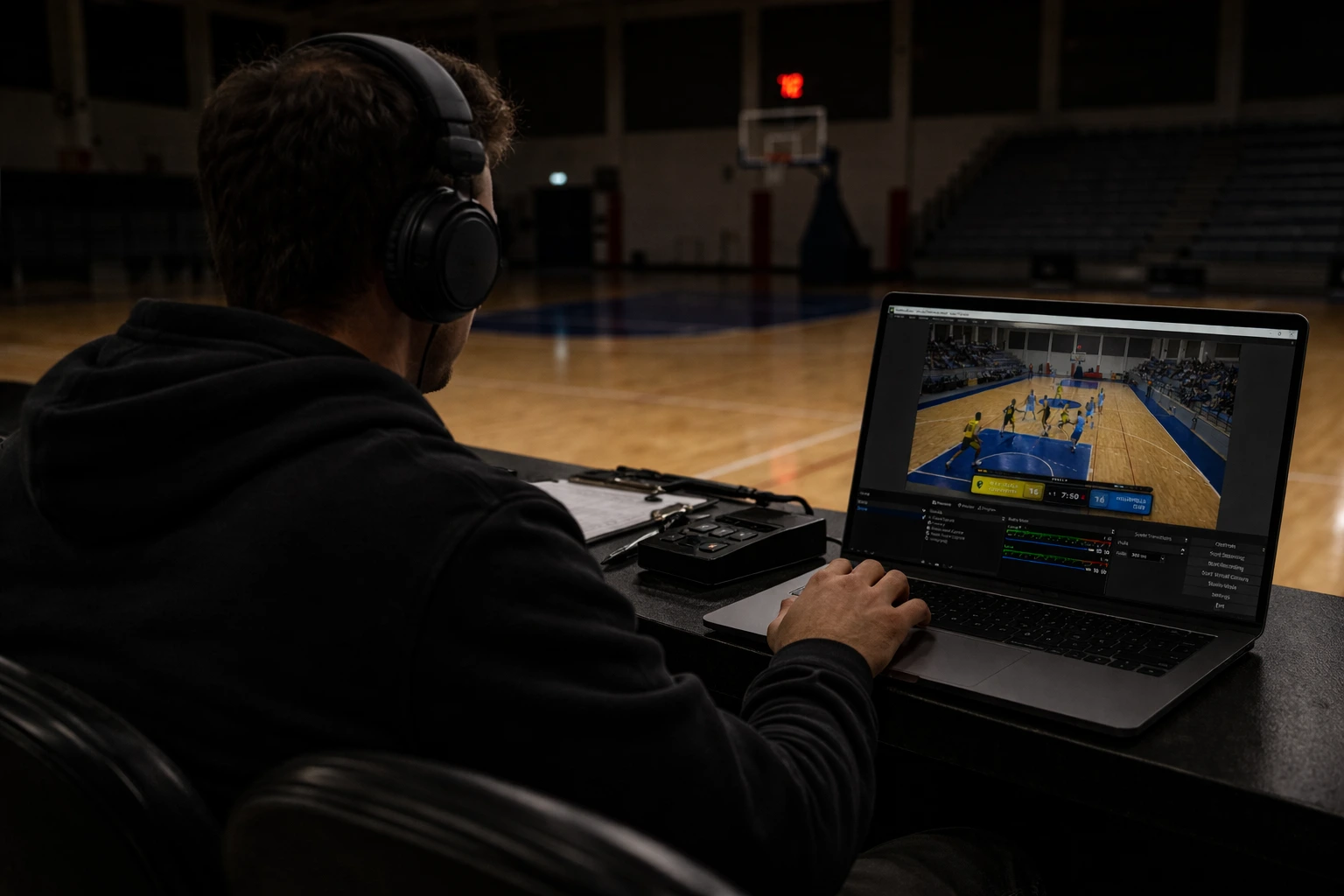
A clean live presentation that keeps scores readable across public pages and broadcast scenes.
Start free. Upgrade when you need more.
Short answers to the essentials.
Free covers one active game at a time on one machine. Licensed access unlocks simultaneous multi-game control, competitions, tournaments, Live Control, LAN tools, publishing, history, and 3x3 wallboard tools.
Each paid purchase issues a license key for one primary machine. Activate the desktop app with the license email and key, then move it later by deactivating the old machine or contacting support if the old device is unavailable.
Yes. Court Clock is built for venues where internet is weak or unavailable during play. Activation and website publishing need internet when you use them, but local game control and local links stay usable on-site.
Yes. Court Clock generates local links for controllers and displays on the same network, including scoped access when one device should be limited to a specific control or output.
Court Clock continuously saves the full game state. Reopen after a crash or restart and you return to the exact point where play stopped.
Use Single Game for one standalone match. Use Competition when you need teams, schedules, courts, and linked games. Use Tournament when multiple competitions belong to one event.
Live Control is the multi-game event queue. It helps operators monitor active games, switch between them, and keep multiple courts and outputs organized from one place.
Yes. Licensed publishing workflows let you publish a game, competition, or tournament to the website and manage those links from your account.
Yes. Court Clock supports branded outputs, sponsor layers, team colors, logos, and overlay options for supported display and broadcast workflows.
Yes. 24/14 reset logic variants, bonus rules with team foul bonus display, and configurable overtime handling are built in.
The current public macOS build is for Apple Silicon. If you need Intel Mac support, contact support before purchase or deployment.
We’ll send it by email.
Request the demo and we’ll send it by email.